Streamline Your Equipment Management
Optimize Your Tool Management with Readunit
Experience seamless integration and efficient management of your equipment with our innovative solutions.
Revolutionize Your Inspection Process Today
Empowering Efficient Tool Management
Readunit is dedicated to transforming the way businesses handle tool management and inspection. Our mission is to provide a comprehensive platform that simplifies equipment tracking, enhances compliance, and boosts operational efficiency. By leveraging cutting-edge technology, we ensure that our clients can manage their tools with precision and ease, ultimately leading to improved productivity and safety standards.

Explore Our Advanced Features
Innovative Solutions for Tool Management
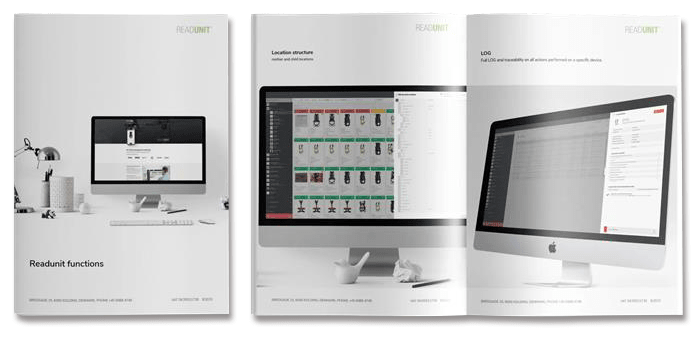
Readunit provides a complete, cloud-based platform for digital equipment management, inspection, documentation, and compliance.
The system enhances operational efficiency, eliminates manual processes, and ensures full control and traceability through automation, integration, and intelligent data management.
Digital Inspection
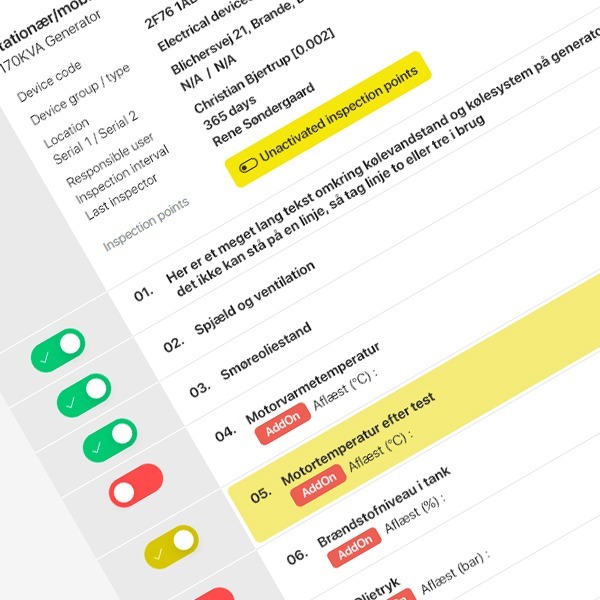
All inspections are carried out electronically via the Readunit web platform or mobile app.
Once an inspection is completed, all information is automatically documented and stored in the system.
This eliminates the need for paper reports and complex Excel sheets, ensuring full traceability and easy access to historical data
Digitization of Data Sheets
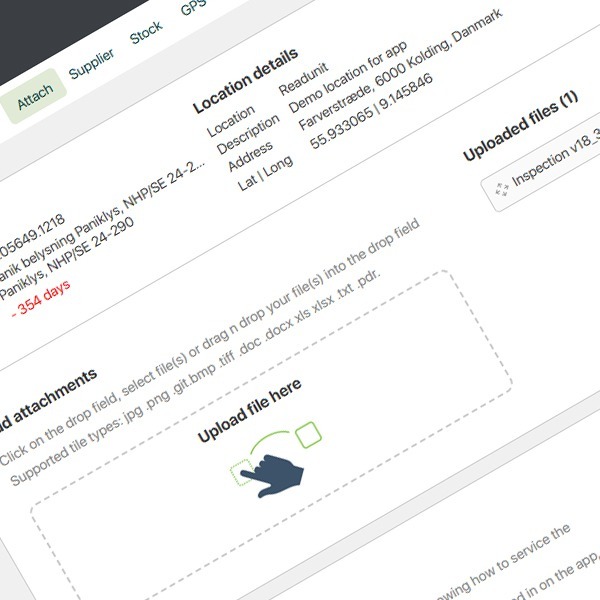
All data sheets and documents related to each piece of equipment are attached digitally and are always accessible via both web and app.
These may include user manuals, operational guides, technical diagrams, building layouts, or certificates from third-party inspectors.
By scanning the QR code, barcode, or NFC chip on the equipment using the Readunit app, users gain instant access to all related documents, diagrams, chemical APV data, and drawings.
If permission is granted, even external users without a Readunit account can scan the equipment and access attached documentation and certificates.
Fully Digital Log (History)
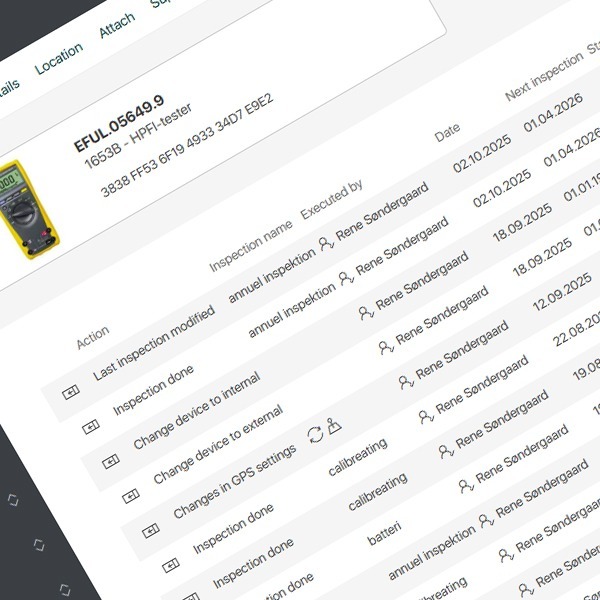
All key changes and actions are automatically recorded in a detailed system log, including:
- Who performed the last inspection
- Equipment movements between locations
- Copies and edits of equipment records
- Internal and external loans
- Changes in users, locations, and more
This ensures complete transparency and a full audit trail of all equipment activities.
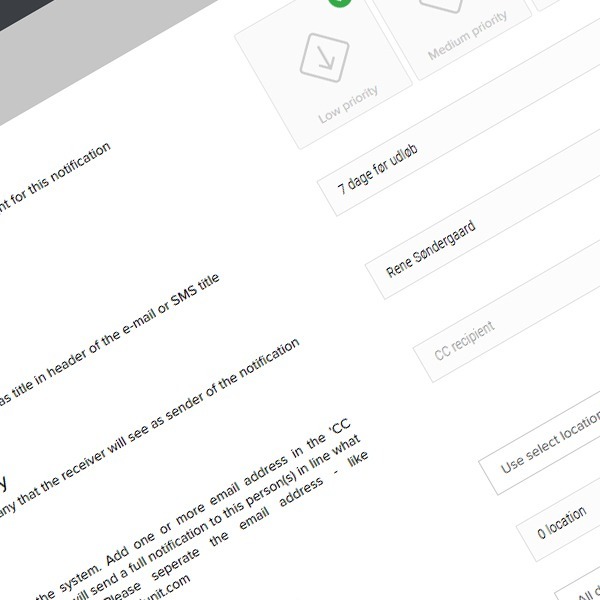
Notification and Status Alerts
Users can create custom notifications that define:
- Message design and content
- Timing and delivery rules
- Recipients
- Relevant attributes, locations, and equipment groups
This allows flexible, automated alerts and ensures that the right people are notified at the right time.
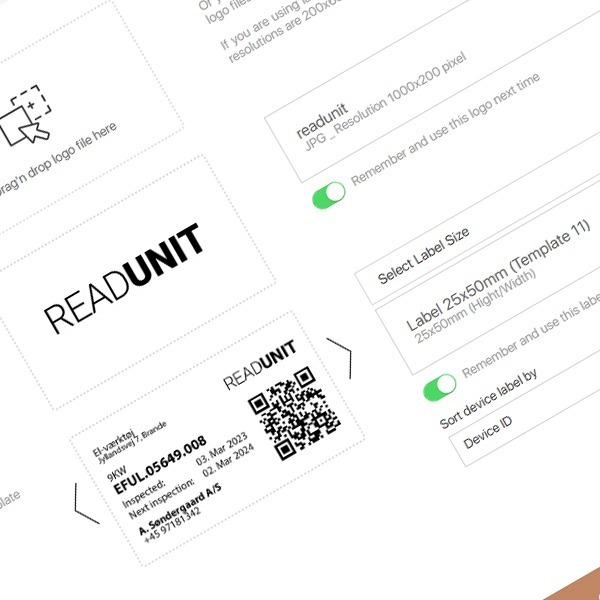
Equipment Labeling / Identification
Equipment can be labeled using QR or BAR codes printed by the user on their own label printer.
Readunit provides a variety of label templates in different sizes and formats.
It is also possible to mark equipment with NFC chips (metal and non-metal versions) for contactless identification.
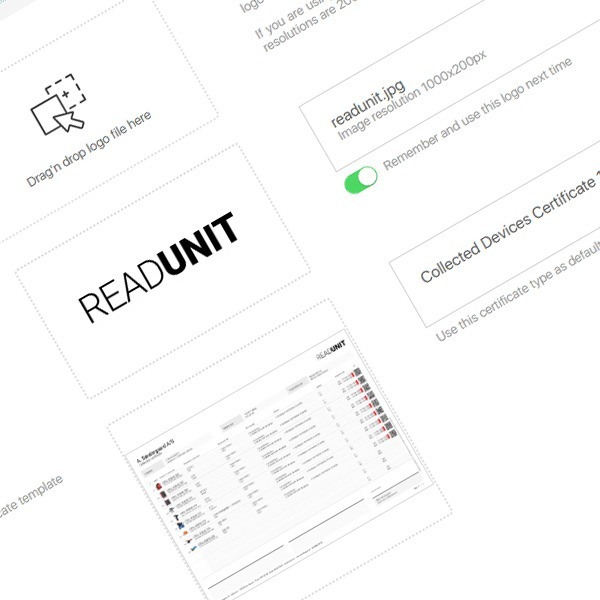
Automatic Certificate Generation
Electronic certificates can be generated automatically when needed.
Selected equipment certificates are produced on Readunit’s server and returned to the user as a PDF file.
A range of predefined templates is available for immediate use.
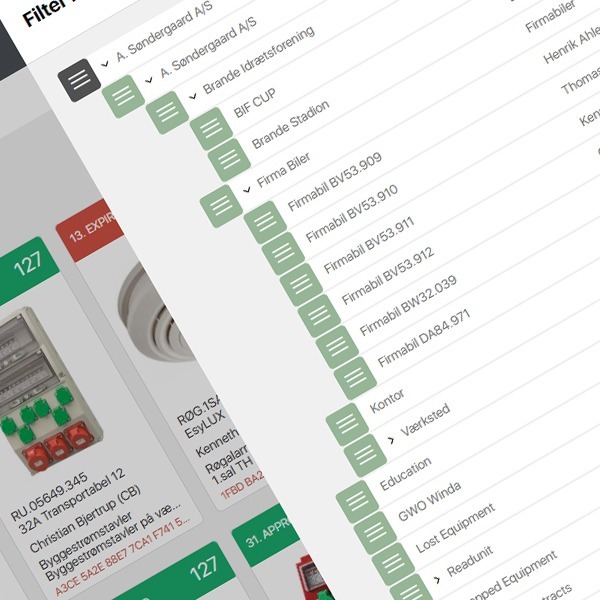
Location and Project Management
The system is structured using a hierarchical location model, similar to a file manager.
Equipment can be organized under locations and sub-locations, ensuring a clear and structured overview of placement and ownership.
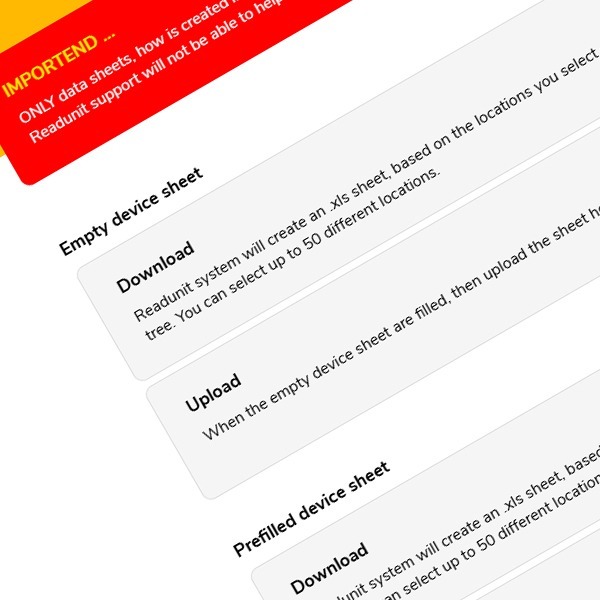
Import / Export (.XLS)
Data can be exported to and imported from Excel (.xls) files.
Customers can add or modify equipment details in the spreadsheet and re-upload it for rapid bulk creation.
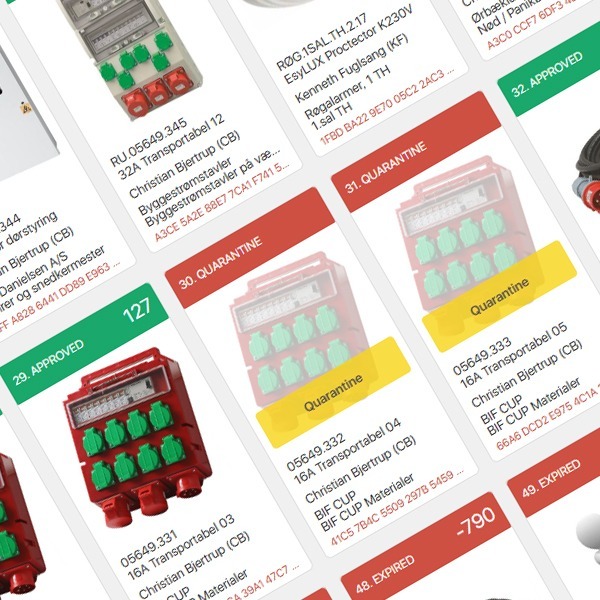
Quarantine Function
Equipment can be temporarily placed in quarantine—for example, when returned for inspection or awaiting redeployment.
When in quarantine, the inspection countdown is paused. Once reactivated, the system automatically resumes the inspection schedule.
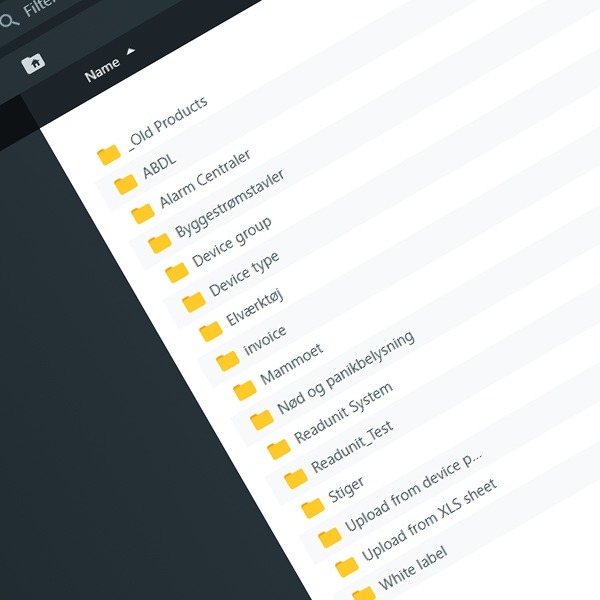
File Manager
The File Manager module simplifies mass creation of equipment records.
Groups and types of equipment can be predefined with associated images, manuals, safety data sheets, and supplier information.
Changes made in the File Manager automatically propagate to all linked equipment.
For example, if a new language version of a manual is added, it will automatically update all related equipment units.
Readunit iOS and Android App
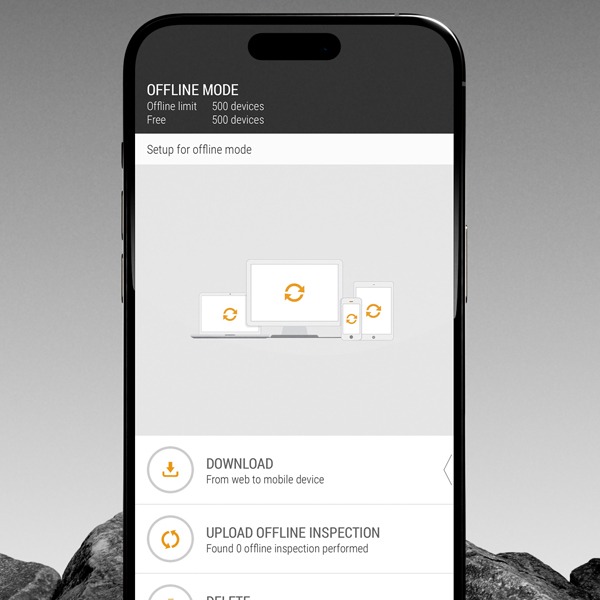
Offline Functionality Import
The mobile app supports offline inspections of up to 500 equipment items (depending on device RAM).
This is ideal for inspections conducted in remote areas without internet connectivity.
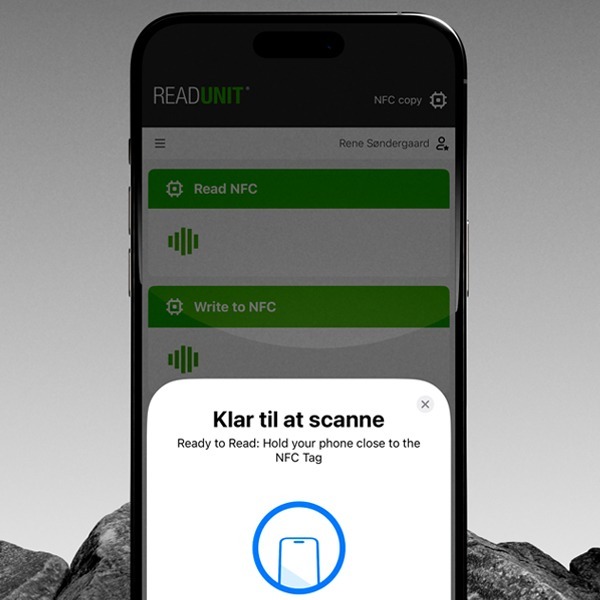
NFC Read & Write
NFC reading and writing are supported via both app and web.
The Readunit app requires an NFC-compatible device (e.g., iPhone 7+ or Samsung Galaxy S4+).
On the web, an external USB NFC reader with HID keyboard emulation can be used.
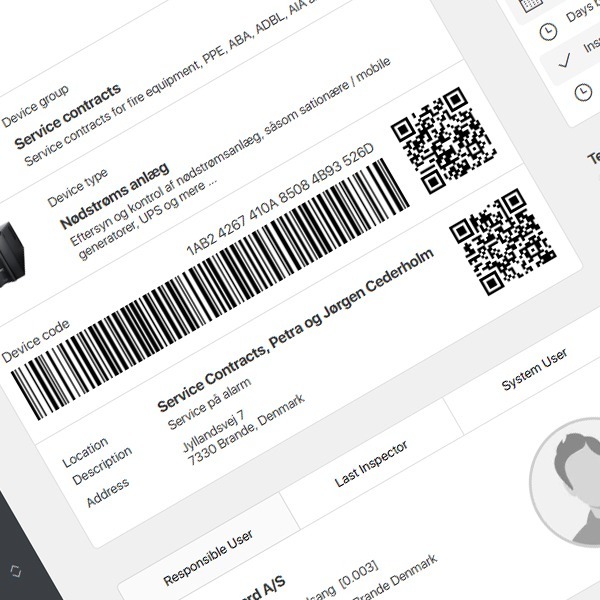
NFC, QR, and Barcode Scanning
Equipment can be identified using QR codes, barcodes, or NFC chips.
Readunit generates label templates in various sizes and formats for printing on standard label printers.
Existing barcode data from other systems (e.g., Hilti or Heinemann) can be imported to avoid re-labeling large inventories.
Explore Our Extra Features
Additional Modules in the Readunit System
Our system offers a range of additional modules that can expand functionality and be tailored to meet your specific needs. If you find any of these modules interesting, please don’t hesitate to contact our sales team for a no-obligation conversation.
Call +45 6988 4748 or email on sale@readunit.com
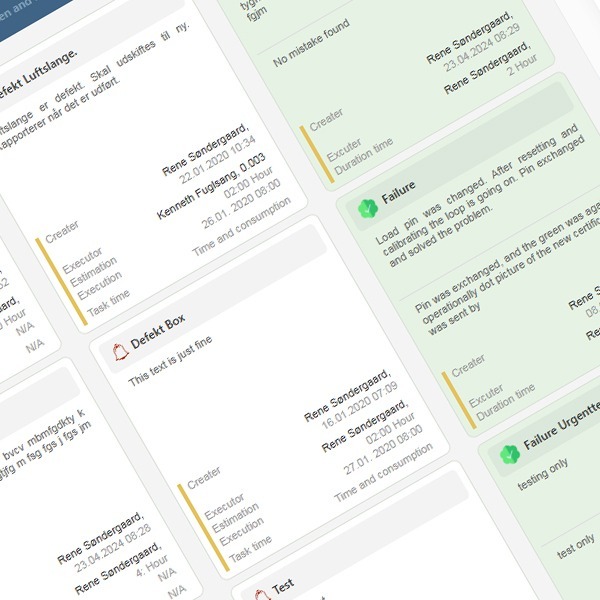
Digital Task Management
The Task Manager module is primarily designed for industrial use.
It enables the creation of digital work orders and maintenance tasks via web or app, with detailed descriptions and photo documentation.
If multiple trade groups (e.g., electricians, mechanics) are defined, tasks can be assigned directly to them.
Assigned personnel receive notifications of pending tasks and can claim them by scanning the equipment’s QR, BAR, or NFC code.
The entire Task Manager operates as a calendar-based system for managing and tracking all active and completed tasks.
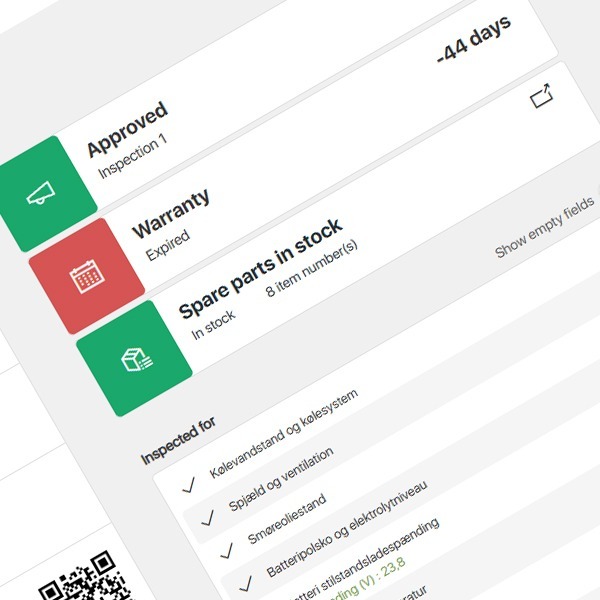
Inventory Management
An integrated inventory management module supports spare part tracking and task coordination.
For example, when a generator fails, users can check whether replacement parts are in stock, view current inventory levels, and pick or reserve items directly from the equipment record.
Digital Rental Module
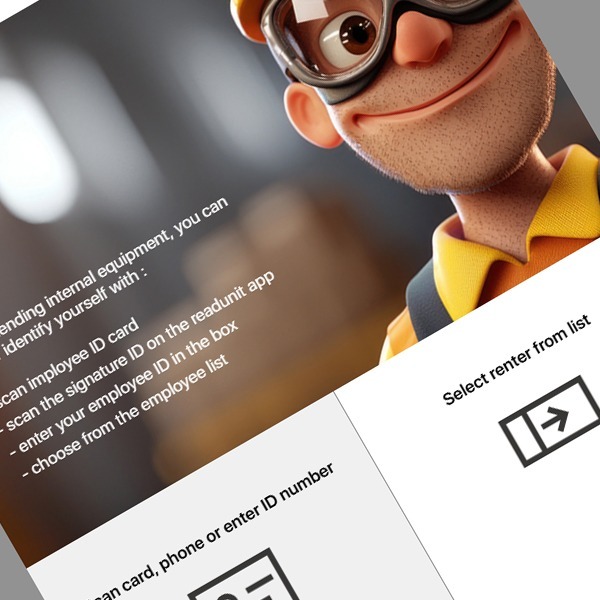
The Rental Module provides complete control over all rented or loaned equipment—such as tools, machines, power units, or cables.
If the rental process is initiated via the app, customer information and GPS coordinates are automatically recorded.
When started from the web, users can choose between internal loans (to employees) or external rentals (to customers).
A barcode or QR scanner can be connected to the PC for fast processing.
GPS & KIN Equipment Tracking
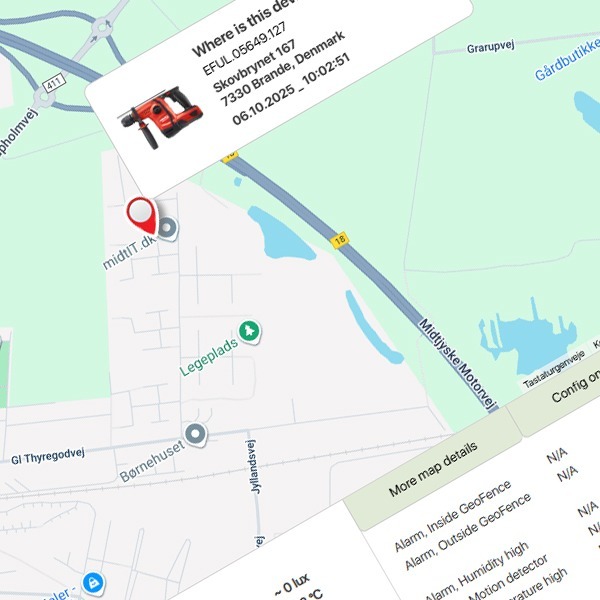
Using the GPS module, equipment can be tracked in real time through supported devices from Trackunit® and Trusted®.
The integration via Readunit’s API enables equipment monitoring, movement tracking, and utilization reporting.
Certain Trusted® GPS models also support “Utilization” tracking, displaying how long the equipment has been active or in motion.
Geofencing can be configured to trigger alerts when equipment leaves a predefined area.
Mother / Child Linking
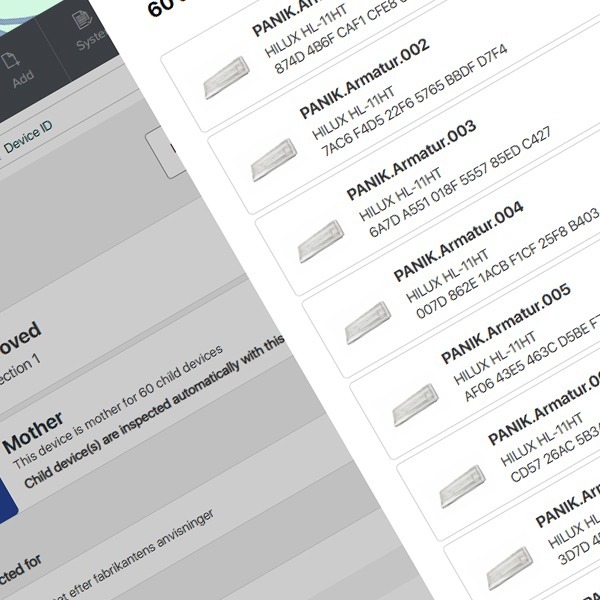
Equipment can be structured hierarchically using the Mother/Child linking feature.
Child devices are assigned to a master (Mother) unit, and inspection results from the Mother can be inherited by all linked Child devices.
Example:
An emergency lighting system where the battery backup is the Mother unit, and all connected lamps are Childs.
The same structure can be used for PPE kits, fire alarm systems, and similar setups.
Document Download
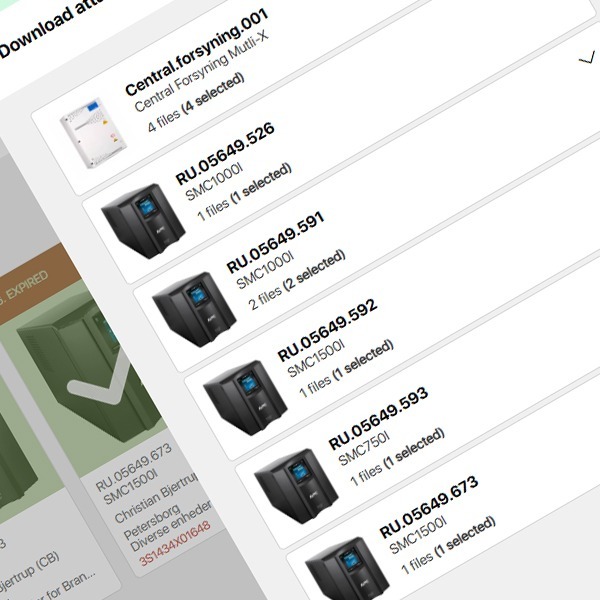
Users can select one or multiple pieces of equipment and download all associated documents in a compressed ZIP file.
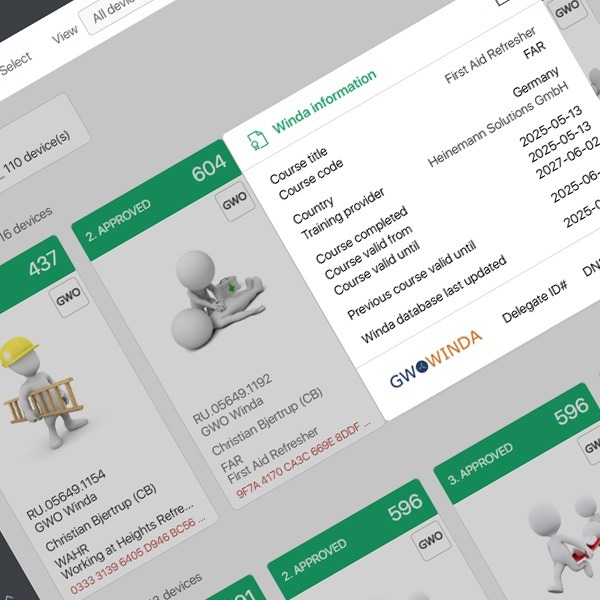
GWO Winda (API Integration)
Readunit is one of the few tool management systems that integrates directly with the GWO Winda® API.
This allows companies to track employee GWO training records, including completed courses, expirations, and renewals.
Non-GWO courses can also be managed within the same module.
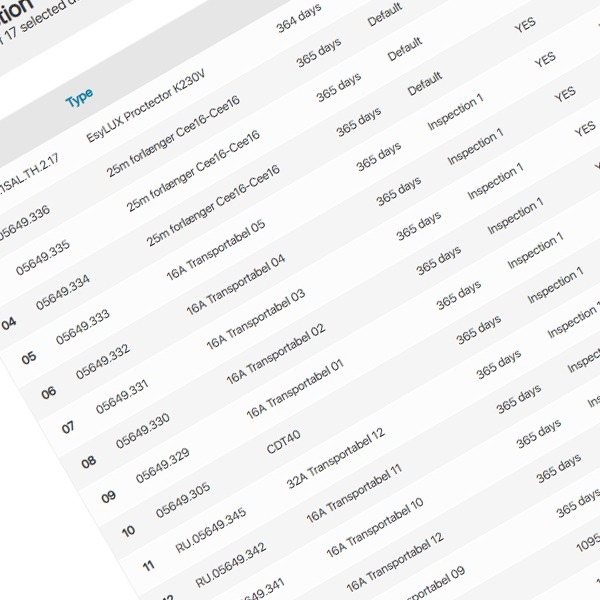
Bulk Inspection
Authorized users can perform bulk inspections of multiple identical items simultaneously—without manually checking each inspection point.
Ideal for items such as carabiners or standardized tools.
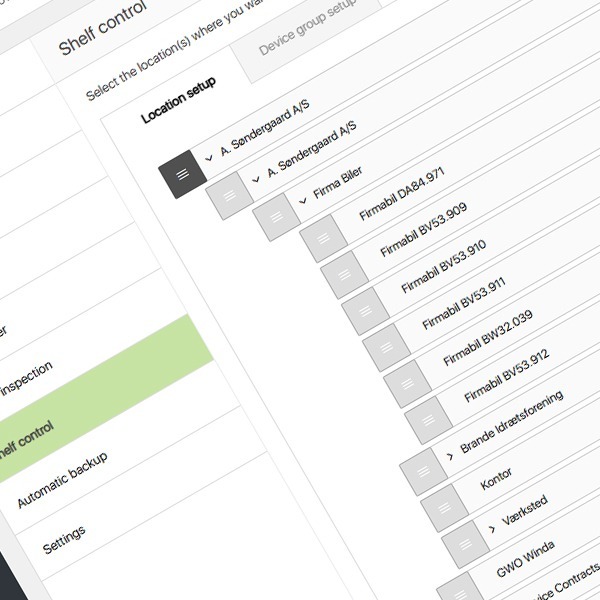
Shelf Control
This feature allows automated inspection of selected equipment types, primarily used for inventory-stored products that require regular inspection.
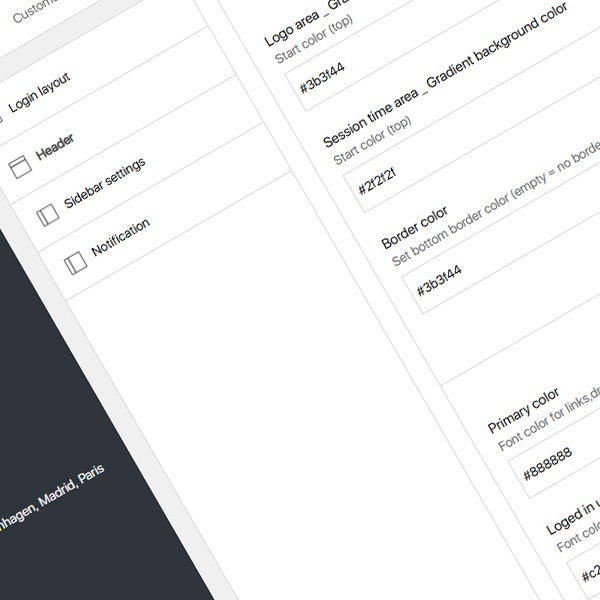
White Label Module
The White Label module allows companies to rebrand the Readunit system with their own logo and color scheme.
This makes the platform appear neutral or company-branded when used by internal staff or external customers.
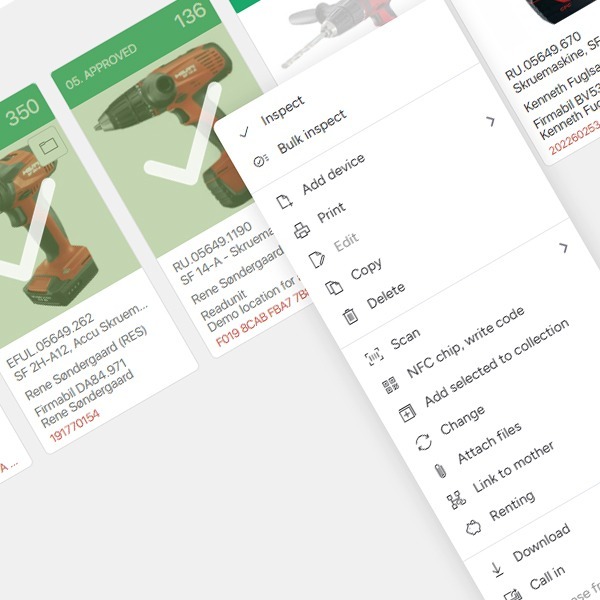
Mark Module
The Mark module enables users to add custom labels with text or date markings to equipment records.
Example:
A customer wants to mark reserved items—creating a label such as “Reserved 25.02.2025 – 03.03.2025” to clearly indicate reservation status.
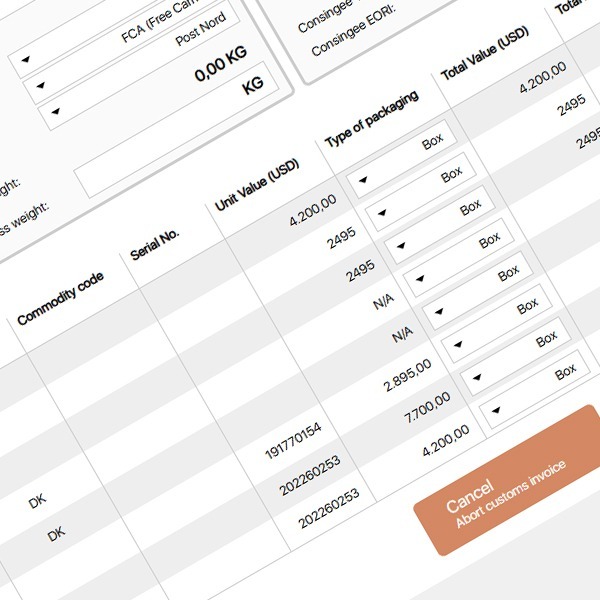
Customs Invoice
Readunit can automatically generate commercial invoices for customs clearance purposes when exporting or importing goods outside the EU.
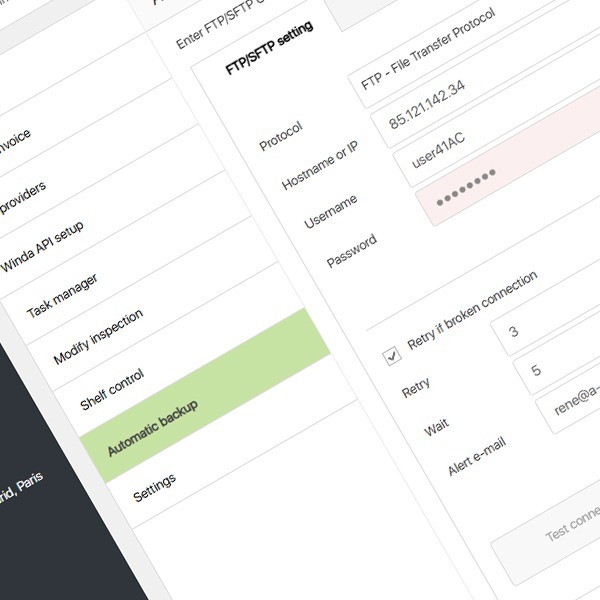
Automatic Backup / FTP
Customers can configure automatic data backups to their own FTP or SFTP servers.
Backups can be triggered manually or scheduled to run at specific intervals.
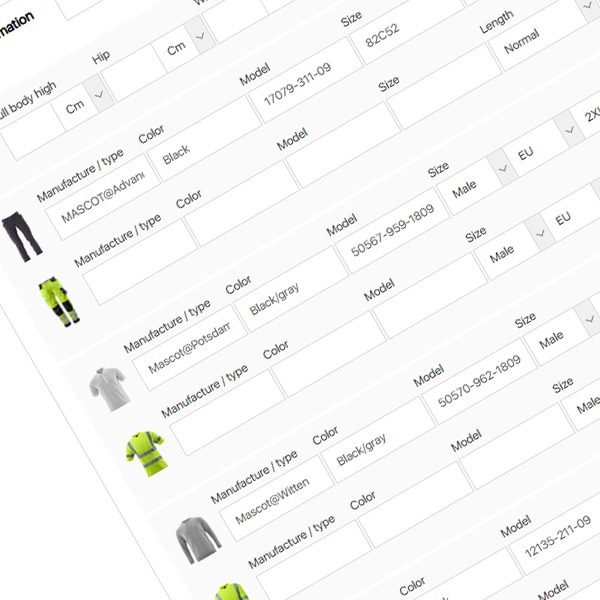
Employee Size Overview
The Employee Size Overview feature provides a complete overview of employees’ sizes for workwear and personal protective equipment.
All relevant information can be registered here, such as trousers, jackets, T-shirts, sweatshirts, footwear, helmets, safety glasses, gloves, and more – everything an employee needs for their daily work.
The overview makes it easy to view and maintain each employee’s sizes, including footwear, waist measurement, leg length, and special requirements such as extra leg length.
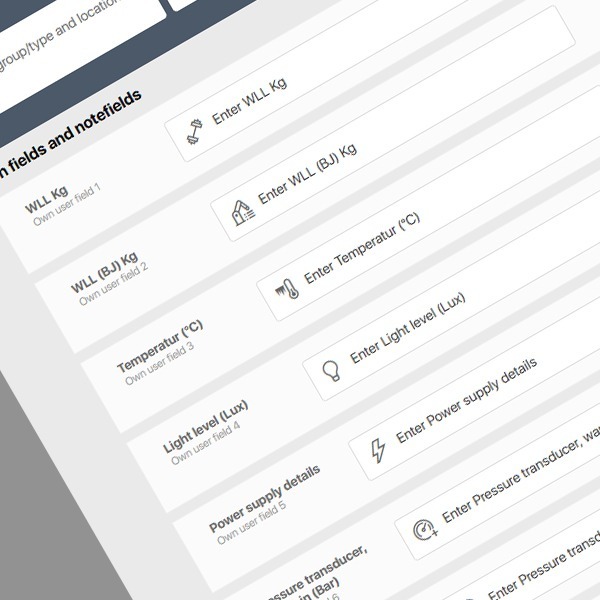
Custom Fields
ReadUnit allows you to create up to 10 custom fields and 2 note fields.
This means that if you have specific data fields not included in the standard system – such as temperature, pressure, lifting capacity, pulling force, weight (kg), or similar – you can easily create these fields yourself.
The note fields can be configured as special text fields, which can also be filled out as needed.
Currently, this functionality is available only on the web version, not in the app.
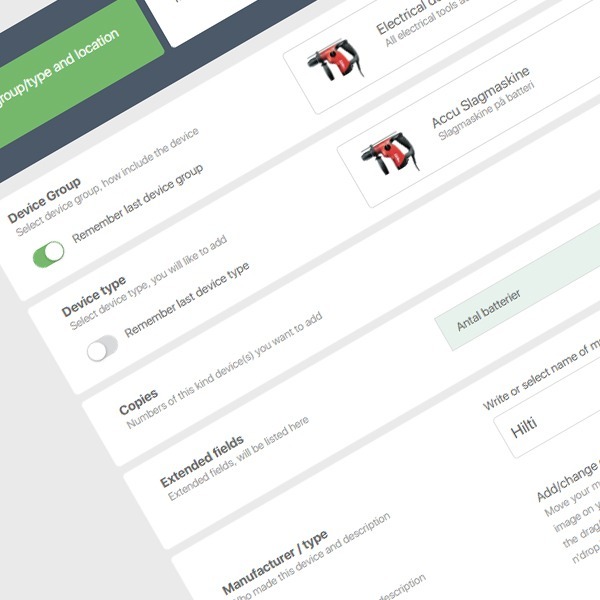
Receive Email on Creation
This feature allows a predefined person to receive an email notification each time a new piece of equipment is created.
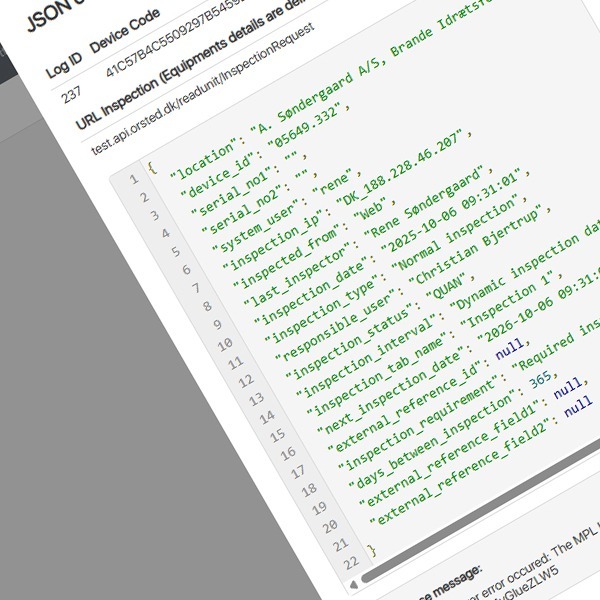
Webservice
Readunit Webservice is an integration module that enables automatic data exchange between Readunit and your ERP system
(such as Business Central, SAP, or e-conomic)
This means data only needs to be entered once, after which both systems automatically keep each other up to date.
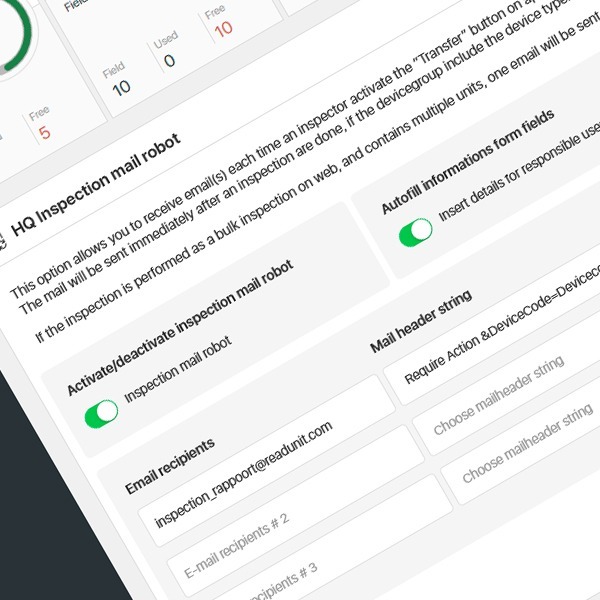
Mail Robot for Deviation Reporting
mail robot allows you to notify the relevant department about deviations on equipment.
You can set up to three rules, each sending emails to different mailboxes depending on the type of equipment and area of responsibility. This ensures that notifications are automatically sent to the correct recipients.
When a deviation is registered during an inspection and needs to be reported, a button can be activated within the inspection.
Once activated, an email is automatically sent to the selected recipient containing information about the contact person (name, phone number, email), any notes, and the selected certificate.
This function ensures quick and accurate communication with the responsible department and efficient handling of equipment deviations.
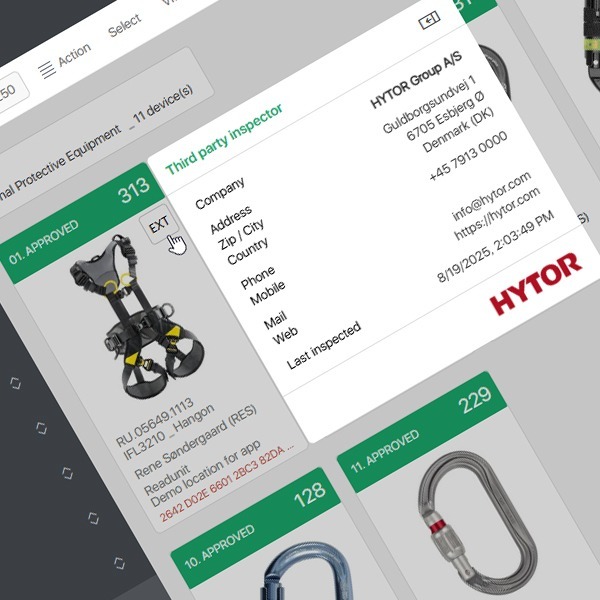
Mark equipment as inspected by a third party
This module allows you to mark equipment as inspected by a third party.
In the contact list, you can select the supplier responsible for the inspection.
The equipment will then be marked with a small square labeled EXT, indicating that it has been externally inspected.
By clicking on EXT, the related inspection details will be displayed.
What Our Clients Say
Søren Tranholm, Certex
“For us, it’s about being at the forefront of developments. With Readunit, we have an intuitive system with a very user-friendly interface, for the benefit of both customers and employees,”

Peder Mogensen Møller, DTI
Since 2018 the Technological Institute has used Readunit, to keep track of all statutory inspections of technical equipment. Like switchboards, fire equipment, water treatment systems, ventilation systems and much more.

Brian Wistoft Schmidt Raaby, ECM
“The Danish Working Environment Authority was presented with Readunit, which forms the backbone of our work with working environment, safety and maintenance.”